Offline AI: language models on your own hardware
Many tasks companies book a cloud service for can be handled by an open model on a machine you own. We find out whether that's true for you and set it up.
What local means
When we say local, we mean the model sits as a file on your hardware and computes there. There's no call to someone else's API, no telemetry, and no contract with an AI provider who could see your inputs.
That's different from offers that advertise German cloud or European hosting. There, too, your data sits with a third party. For many cases that's fine. For professionals bound by confidentiality, health data or R&D documents, it often isn't.
Which models are an option
Open models such as Gemma, Llama, Mistral or Qwen come in many sizes. Small variants run on a laptop, larger ones need a server with a GPU. The right one depends on the task, the language and the volume. For German documents we test several candidates on your samples before we commit.
To run them we use proven open-source tools such as llama.cpp, Ollama or vLLM. That keeps you independent: the model can be swapped later without rebuilding your application.
What we take care of
Model selection
Several open models compared on your real tasks, with results you can follow.
Hardware advice
Which machine or server is enough, and when a GPU pays off.
Setup
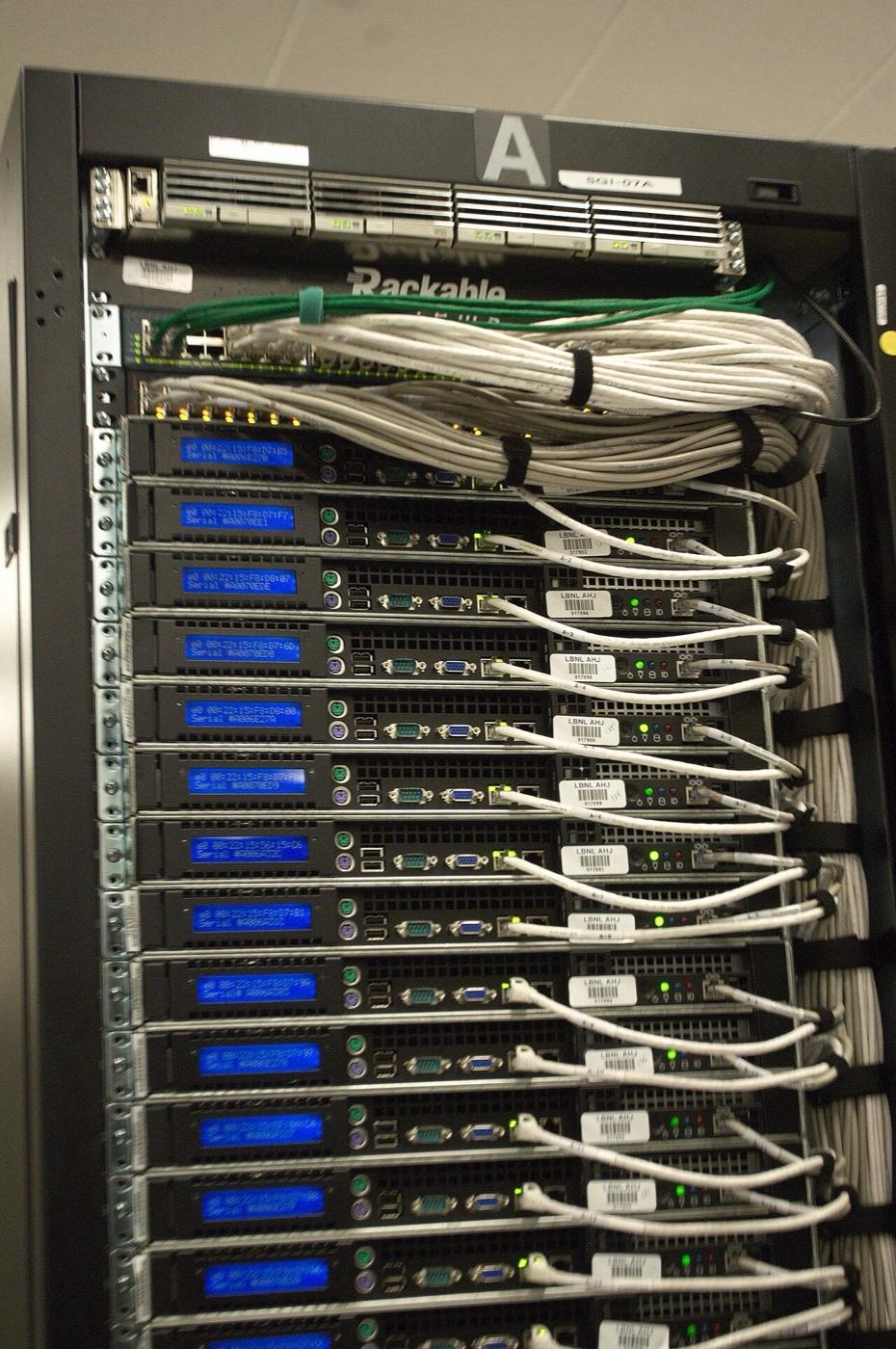
Installation on workstations, in your data center or on a network with no internet access.
Internal assistants
Chat over your own documents, manuals and policies, reachable only on your network.
Updates and operation
Testing and rolling out new model versions through the channel your IT specifies.
Privacy documentation
Data flows and measures written up for your records of processing.
Common questions
Are local models as good as ChatGPT?
For open-ended conversation about anything, the big cloud models are ahead. For well-defined tasks such as reading fields from an invoice or classifying text, a local model is often enough. We check that for your case before you buy hardware.
What does it cost to run?
No fees per request or per page. You pay for hardware and power, plus maintenance if you book it with us. With large, steady volumes that's often cheaper than a cloud subscription.
Can it run with no internet at all?
Yes. After installation the system needs no outside connection. Updates can come on physical media or from an internal repository.
Related
Document parsing
Invoices, delivery notes, contracts, forms and scans become clean records. Uncertain fields go to a person for review.
AI workflows
We connect AI to your ERP, DATEV, inbox or file storage, so results land where someone is typing them up today.
AI applications and frontends
Interfaces your team will actually use: review screens, internal assistants, web and desktop apps.
AI consulting
Which processes are worth it, which model is enough, and what it costs. An honest assessment before you spend money.
Which documents are you still typing up by hand?
Tell us about them. In 30 minutes you'll know whether AI is worth it for your case and how it could run on your side. We reply to messages within two working days.